
Update: Multiple Rulers, Auto-Optimization, and Improved Interface
March 8, 2026
A new CoverLab.pro update! In this version, we focused on improving the project workflow: enhanced the measurement tool, added layout auto-optimization, and made the interface more compact.
What’s New?
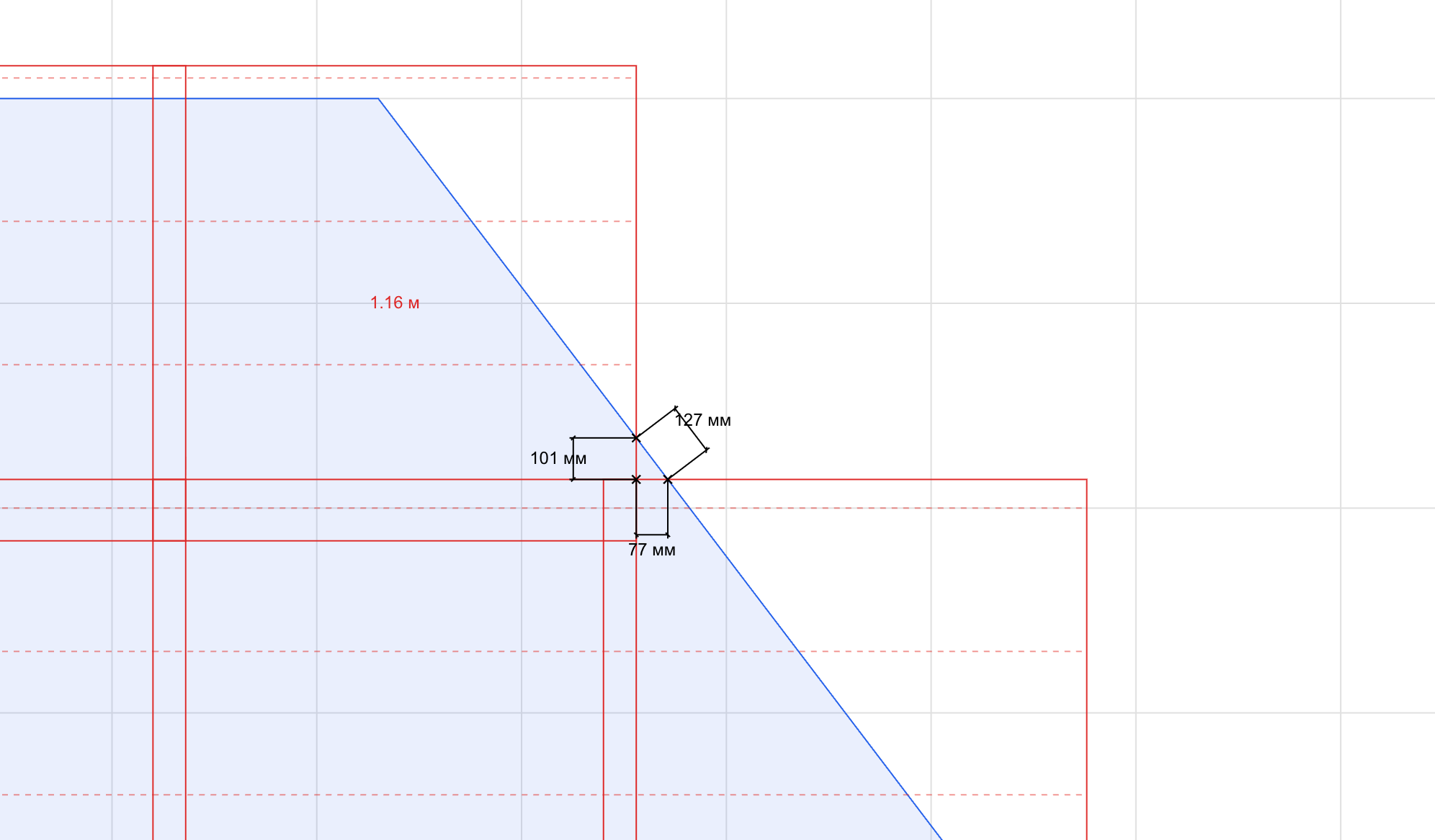
Multiple Rulers
You can now place multiple rulers simultaneously to measure different distances on the roof surface. This greatly simplifies working with complex configurations — no more memorizing previous measurements.
Layout Auto-Optimization
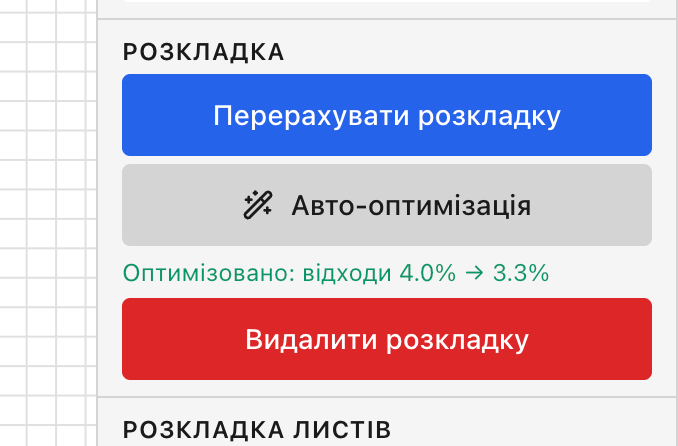
A new automatic layout optimization button finds the best horizontal offset to minimize material waste. One click — and the system finds the optimal solution for you.
More Compact Project Interface
The left and right project panels are now narrower and more compact, leaving more space for the drawing area.
Improved PDF Export
- Added a specification page to PDF export for all surfaces
- The specification table has been moved to the right column for better readability
- Dimensions and wave profiles are now always displayed regardless of scale
Bug Fixes
- Escape now cancels only the last point when drawing a polygon, instead of canceling the entire drawing
- Fixed vertex label renaming (A, B, C) — they now maintain the correct order during drawing
- Rulers are automatically cleared when the tool is deactivated
As always, we appreciate your feedback and suggestions for improving the service. Happy working with CoverLab.pro! 🏗️