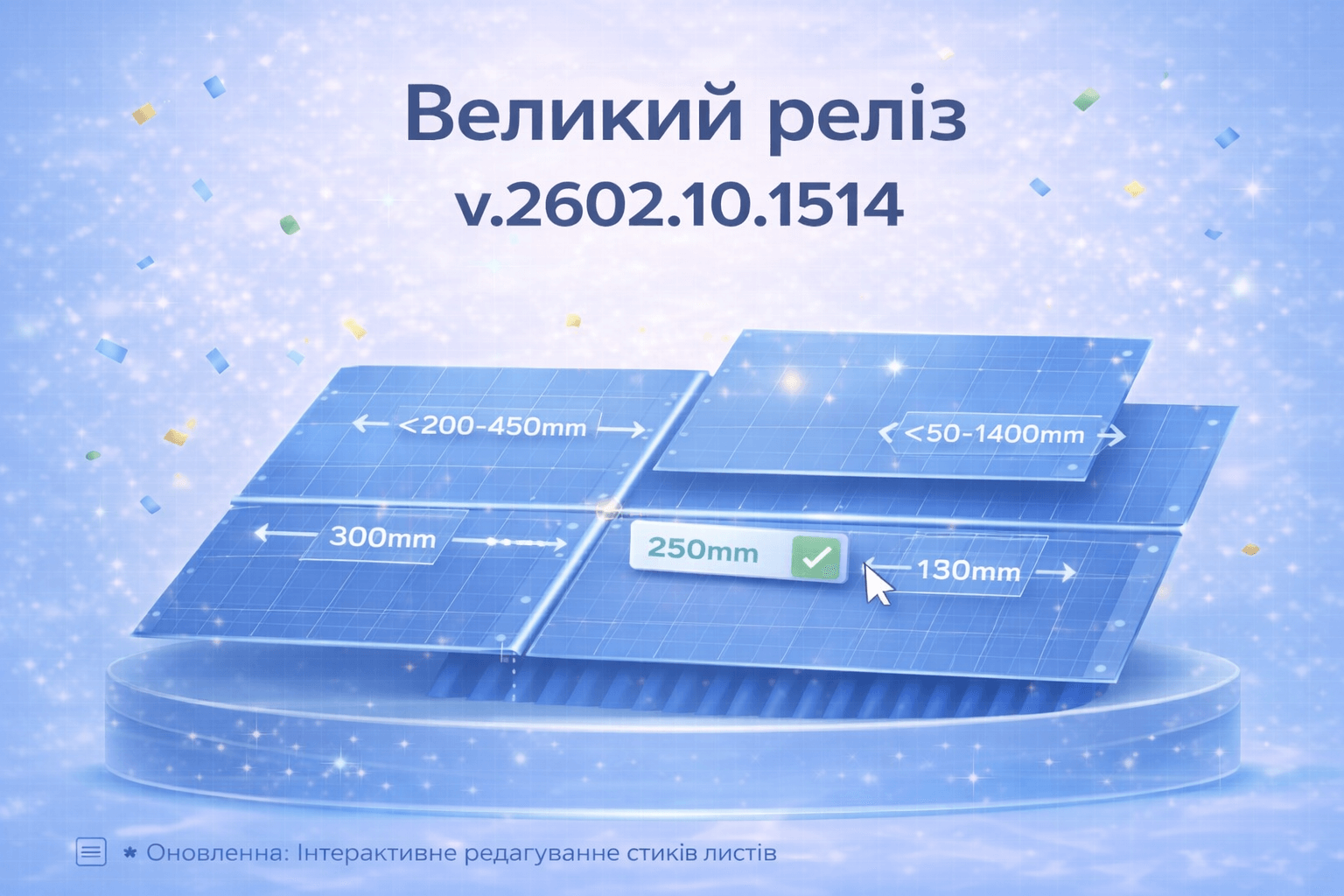
Update: Interactive Sheet Joint Editing
February 20, 2026
We’re excited to introduce a new update with a powerful tool for precise layout control! You can now manually edit the placement of joints between sheets.
What’s New?
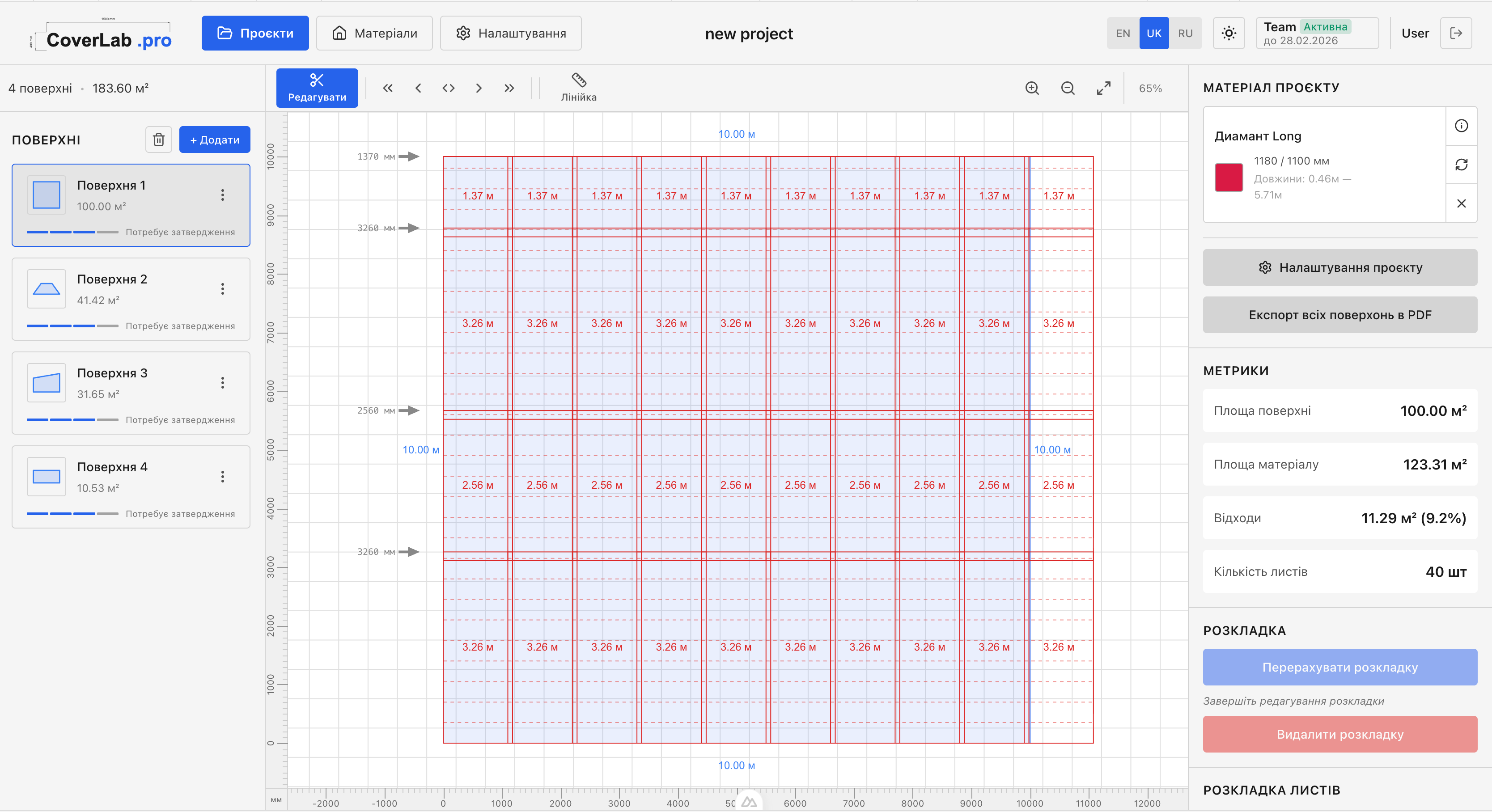
- Visual CAD arrows: Joints are displayed as professional measurement arrows with clear dimensions
- Double-click editing: You can now double-click on a joint dimension to change its value manually
- Automatic validation: The system automatically enforces minimum and maximum allowed values
- Standard size selection: For metal tile roofing, standard sheet sizes are available based on the available slope height
- Auto-save: All your joint changes are automatically saved to the project
Smart Logic by Material Type
The system distinguishes joint behavior for different material types:
- Metal tile roofing: Option to select from standard sheet sizes
- Corrugated sheeting: Option to create a custom new joint
Automatic Reset
When changing the project material, all manual joint settings are automatically reset, allowing you to start with a clean slate.
Metal Tile Roofing Improvements
We’ve significantly improved calculation accuracy and visualization for metal tile roofing:
- Fixed top sheet trimming: The top sheet is now correctly trimmed to the slope boundary
- Sheet size constraints: The system accounts for available slope height when selecting sizes
- Hidden PDF export in editing mode: The export button is now disabled during layout editing to prevent errors
UI/UX Improvements
Additional interface enhancements:
- Material duplicate button: Quickly create a copy of any material with one click
- Increased material card height: More space for details
- Fixed metal tile wave rendering: Profile visualization is now more accurate
This update opens new possibilities for professional sheet layout work. We continue to improve calculation accuracy and interface usability.
Thank you for using CoverLab.pro! 🏗️